> ## Documentation Index
> Fetch the complete documentation index at: https://docs.doko-ai.com/llms.txt
> Use this file to discover all available pages before exploring further.
# Commands
> En este apartado puedes ver todas las conversaciones que ha tenido tu chatbot, gestionarlas y hablar con tus usuarios
## Notification Settings
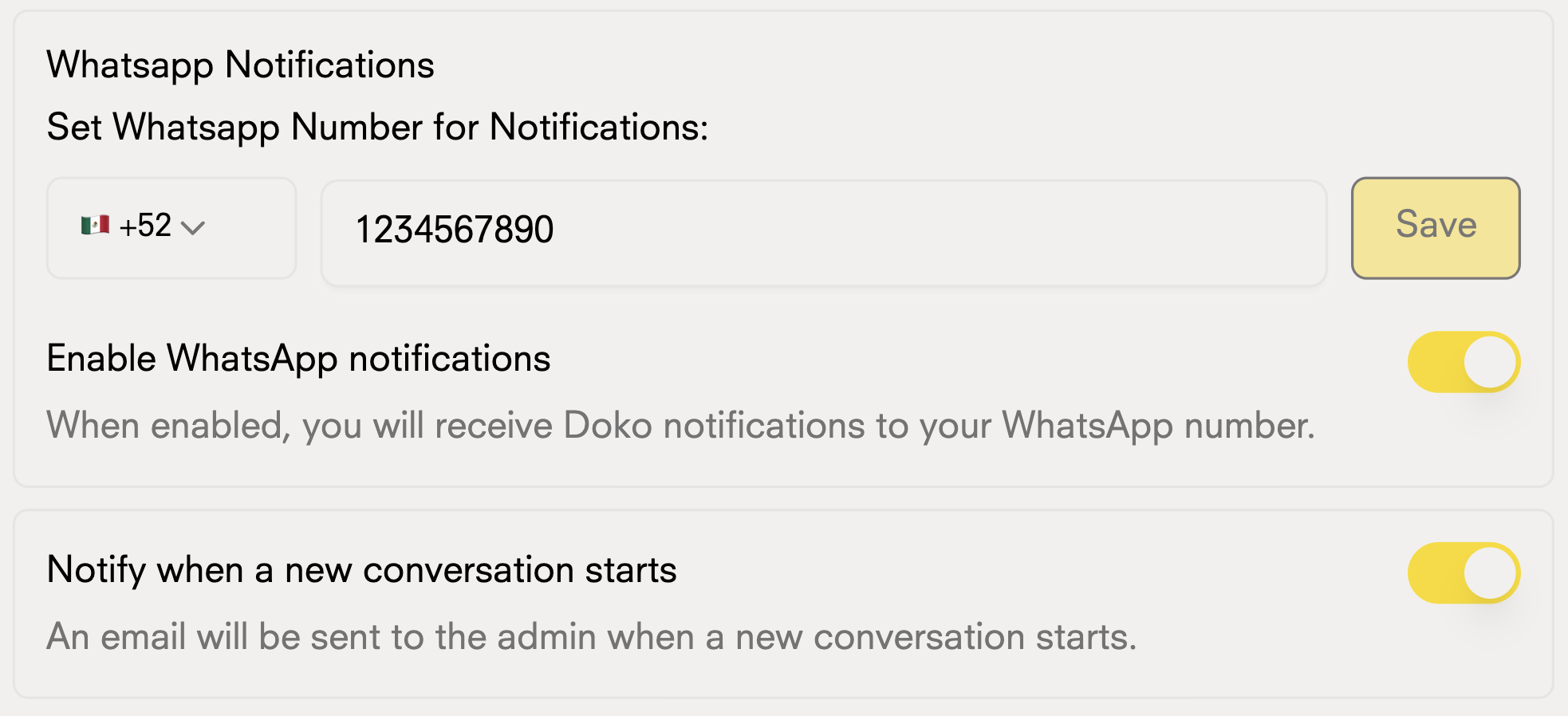
Stay informed about your chatbot's interactions through multiple channels:
### Email and WhatsApp Notifications
Customize your alerts via email and WhatsApp:
* New conversations
 ## Availability Schedule
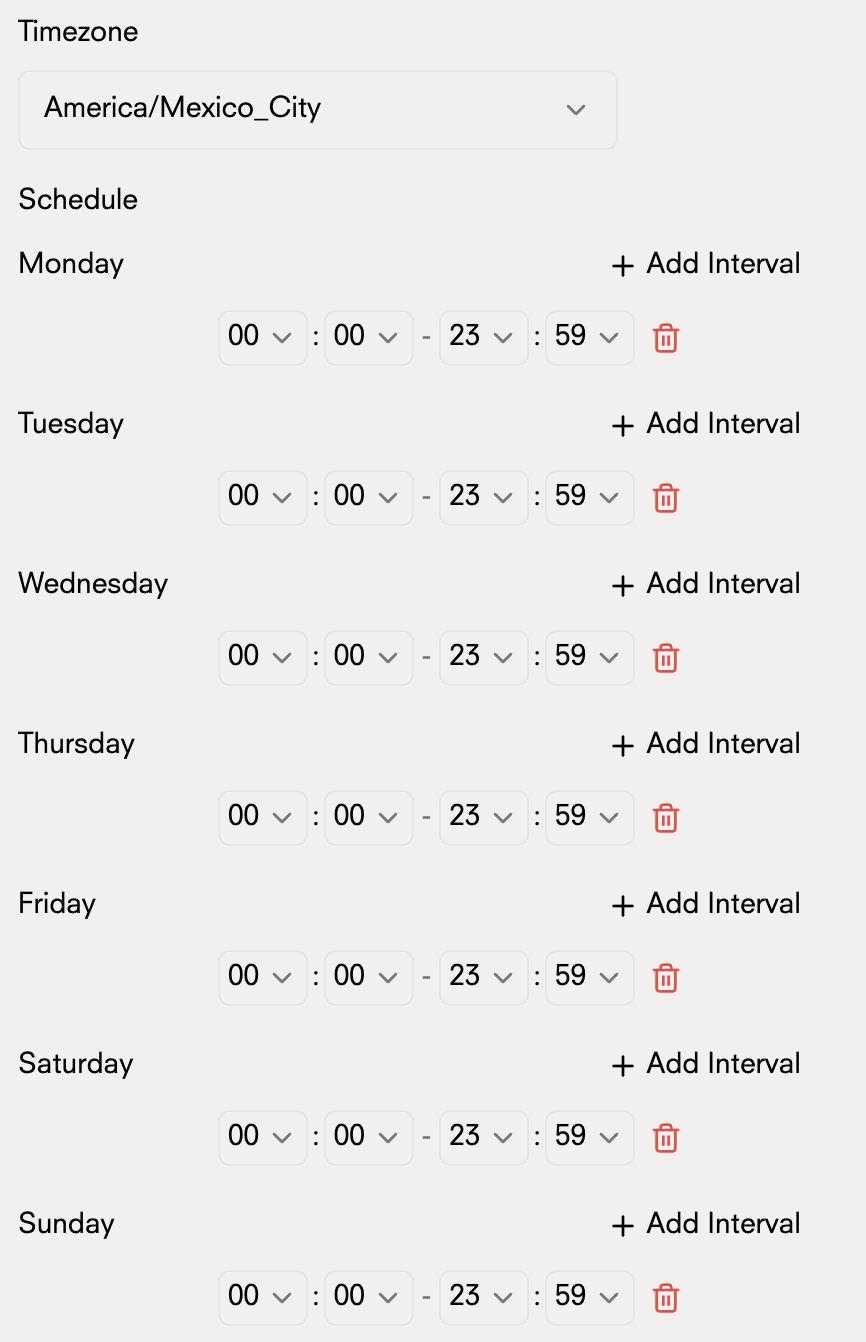
Manage when your chatbot is active and available to users:
## Availability Schedule
Manage when your chatbot is active and available to users:
 ### Operating Hours
Define the specific hours for your chatbot to respond
### Operating Hours
Define the specific hours for your chatbot to respond