> ## Documentation Index
> Fetch the complete documentation index at: https://docs.doko-ai.com/llms.txt
> Use this file to discover all available pages before exploring further.
# Database
> Capture information through your chatbot
Access all the information your chatbot has collected and organized so far.\
Here you can view, filter, and export the most relevant data generated from your conversations and users.
* Sort information by date, status, or record type
* Filter by date ranges
* Option to export data as CSV
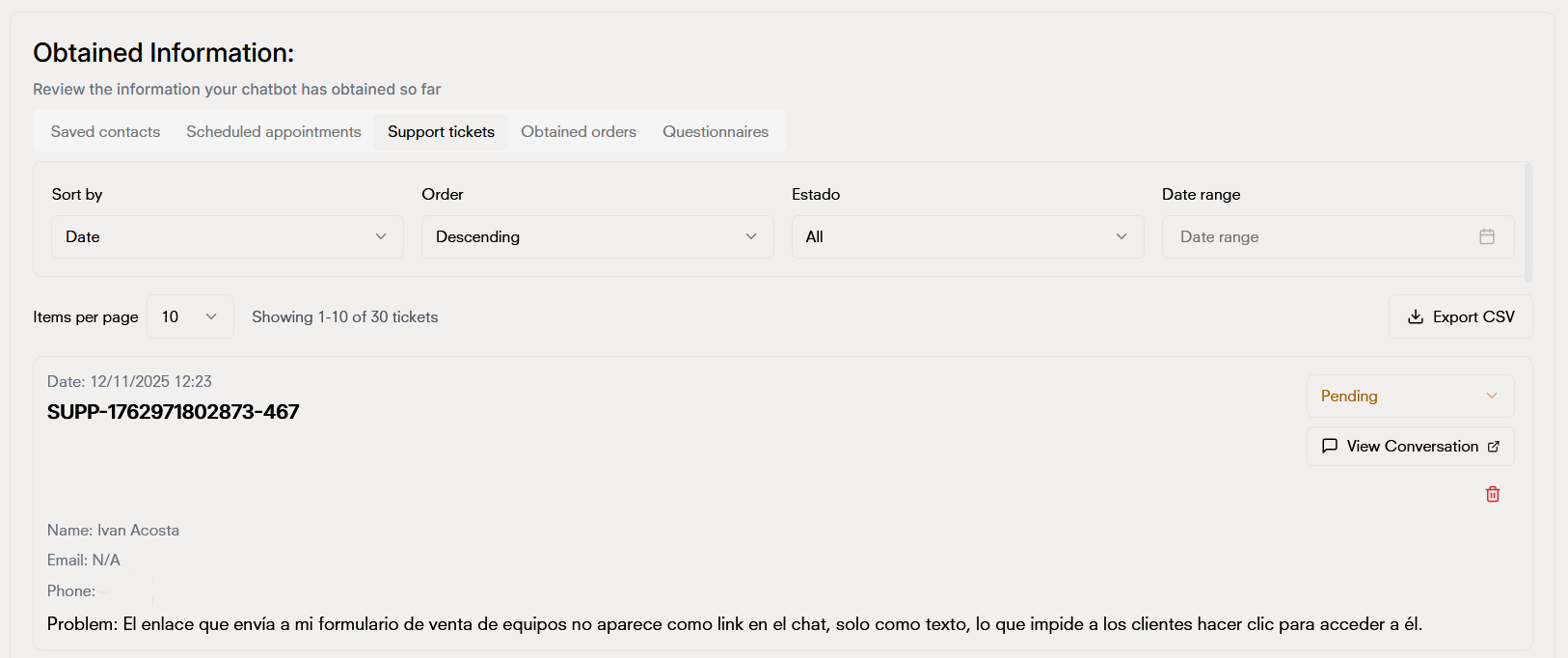 The information displayed here is automatically updated with each new chatbot interaction.\
If you don’t see the latest data, try refreshing the page or syncing manually.
The information displayed here is automatically updated with each new chatbot interaction.\
If you don’t see the latest data, try refreshing the page or syncing manually.