> ## Documentation Index
> Fetch the complete documentation index at: https://docs.doko-ai.com/llms.txt
> Use this file to discover all available pages before exploring further.
# Leads
> Discover and learn how to use the powerful tools available for your chatbot.
Configure your chatbot to collect valuable lead information during conversations. This will allow the chatbot to remember valuable data about the user to improve the user experience.
### Customizable Fields
* Email
* Query Subject
* Reason (schedule appointment, support ticket, etc.)
* Phone Number
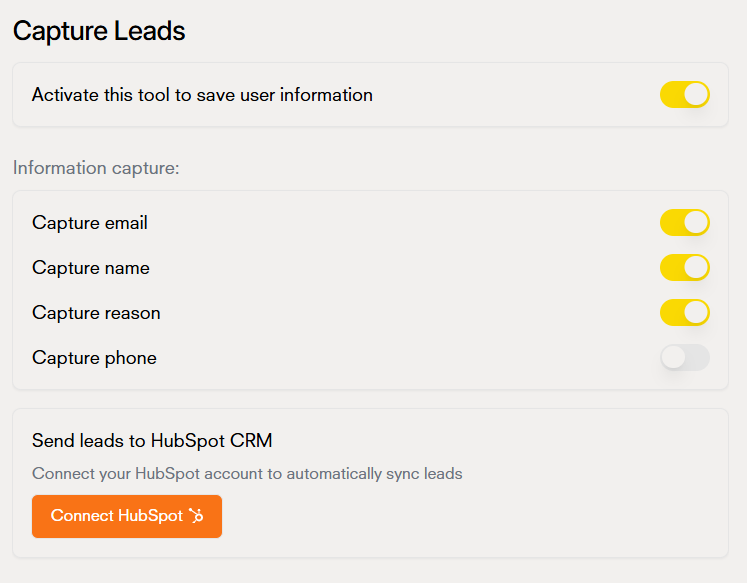 This is how data is captured in the chatbot's [database](/en/chatbot/database)
