> ## Documentation Index
> Fetch the complete documentation index at: https://docs.doko-ai.com/llms.txt
> Use this file to discover all available pages before exploring further.

# Create your chatbot

> Create your chatbot in less than 5 minutes

## How to create your chatbot?

<Steps>
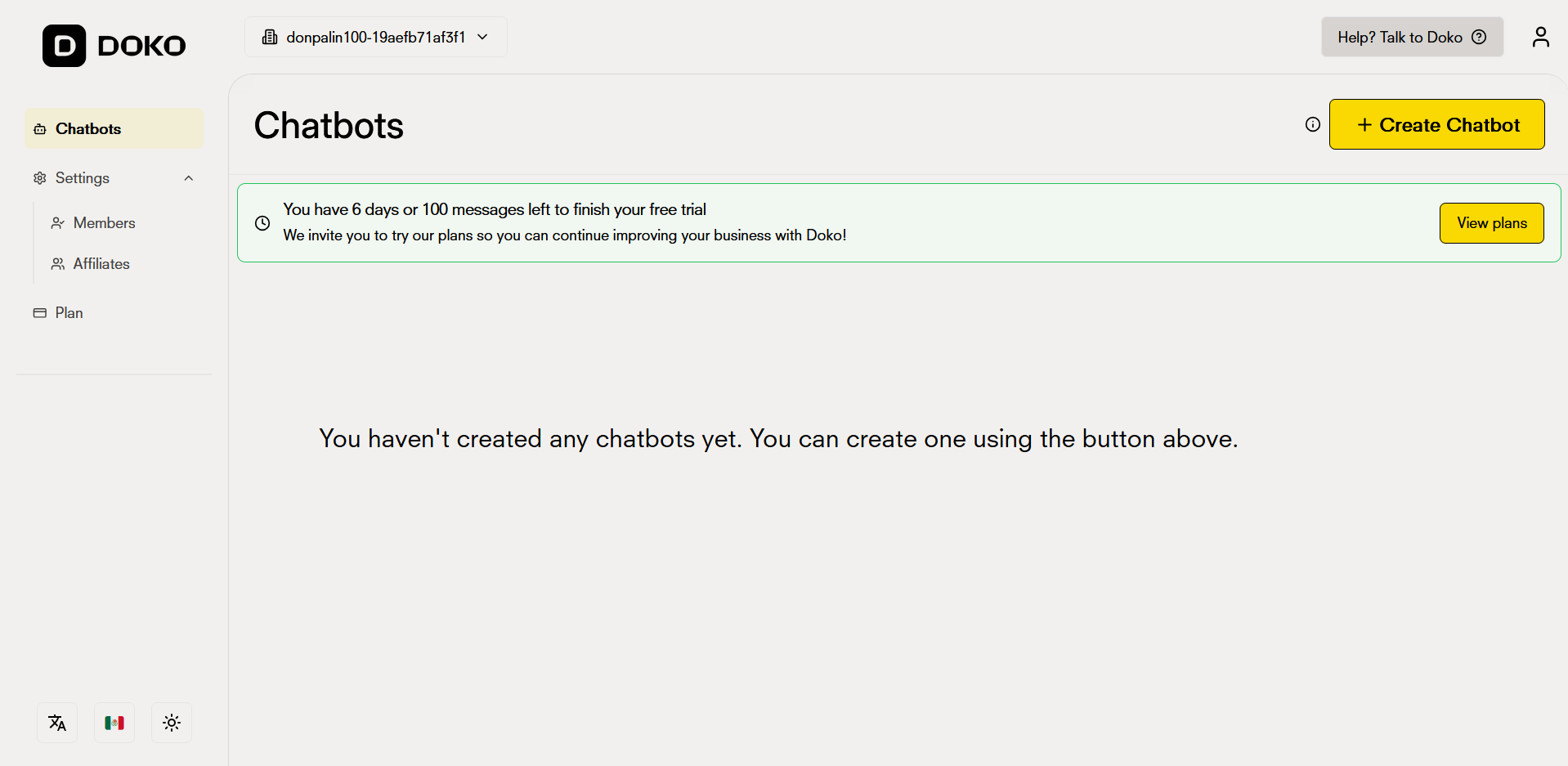
  <Step title="Access your dashboard">
    Click on the 'Create Chatbot' button located in the upper right corner of your dashboard.
    <Frame>
      <img src="https://mintcdn.com/doko/VTiGZw04xsWB5G5s/images/quickstart/en/dashboard.png?fit=max&auto=format&n=VTiGZw04xsWB5G5s&q=85&s=aab41256778482dc3c847ee02c537720" alt="Dashboard" width="1918" height="937" data-path="images/quickstart/en/dashboard.png" />
    </Frame>
  </Step>

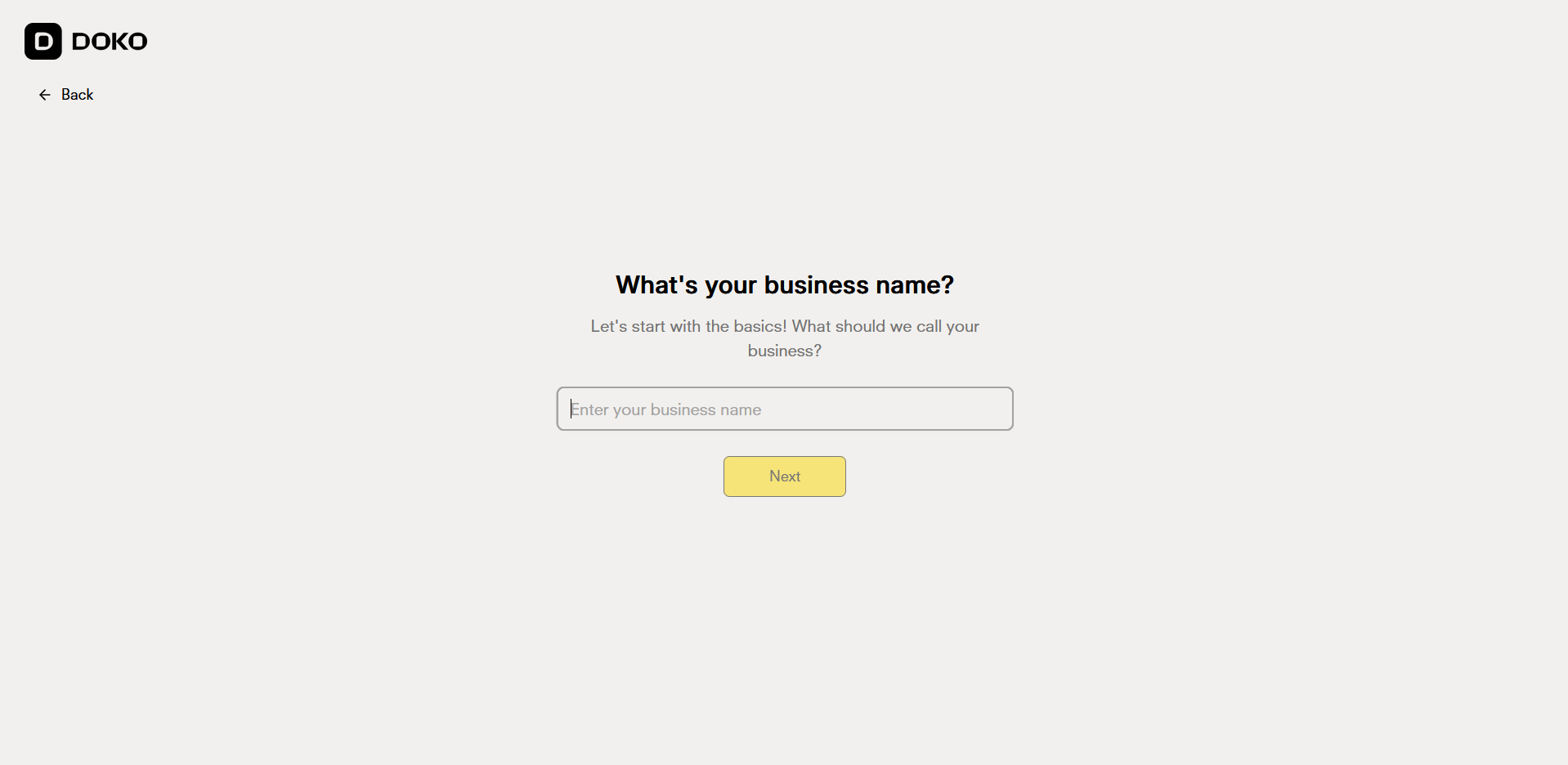
  <Step title="Talk to the chatbot creation assistant">
    Indicate your company name so it matches your chatbot's name.
    <Frame>
      <img src="https://mintcdn.com/doko/VTiGZw04xsWB5G5s/images/quickstart/en/nombre.png?fit=max&auto=format&n=VTiGZw04xsWB5G5s&q=85&s=060f12e2d4c1e8ebc950b9bc0573254d" alt="Creation assistant" width="1918" height="936" data-path="images/quickstart/en/nombre.png" />
    </Frame>
  </Step>

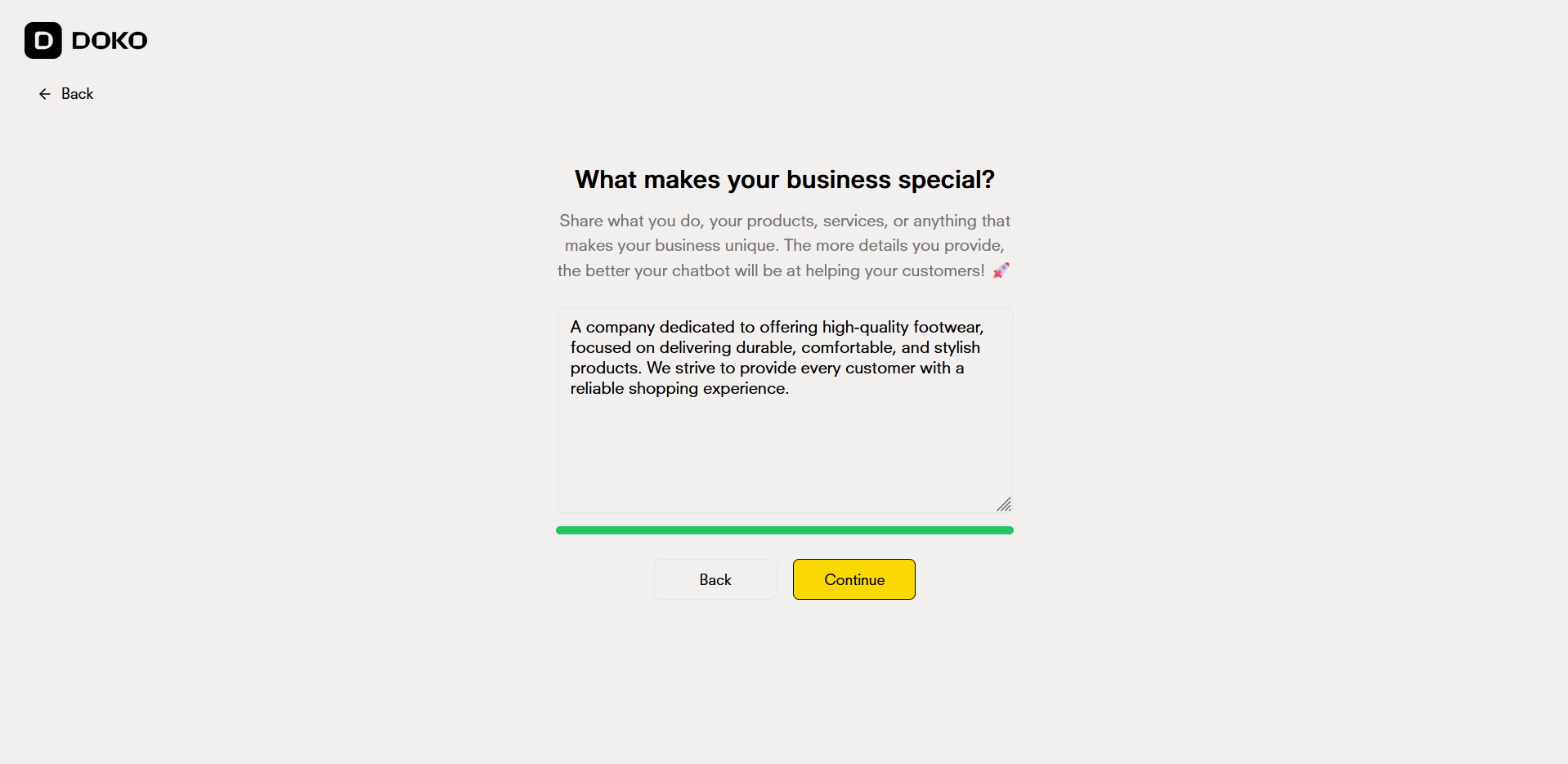
  <Step title="Describe your business">
    Tell the assistant about your business so it can configure your chatbot appropriately.
    <Frame>
      <img src="https://mintcdn.com/doko/VTiGZw04xsWB5G5s/images/quickstart/en/descripcion.png?fit=max&auto=format&n=VTiGZw04xsWB5G5s&q=85&s=bf1f13e439a8cf22d4a050be637bc26a" alt="Describe your business" width="1918" height="935" data-path="images/quickstart/en/descripcion.png" />
    </Frame>
  </Step>

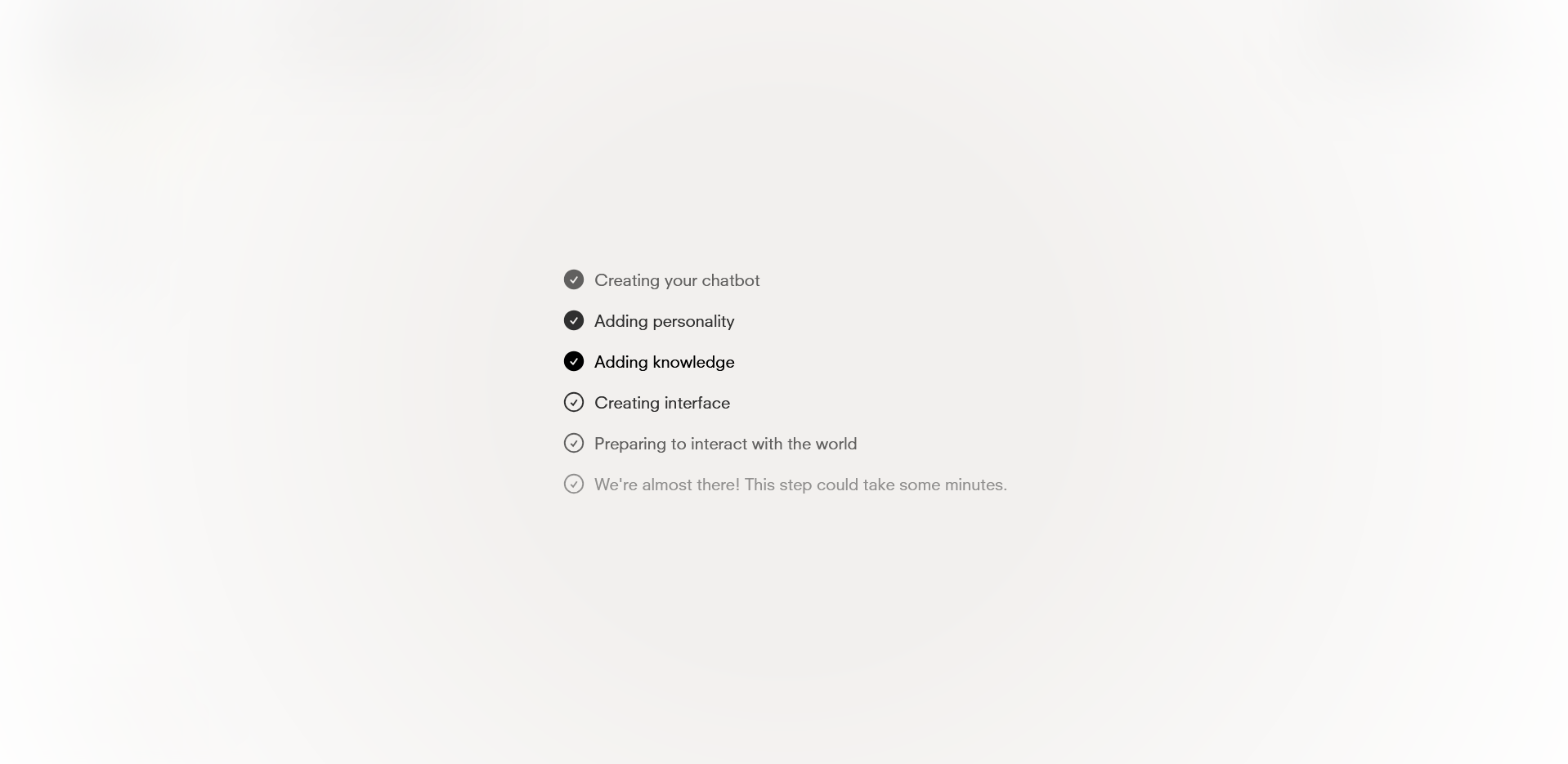
  <Step title="Creating the chatbot">
    Wait just a few seconds for the assistant to create your chatbot correctly.

    When it's created, you'll be automatically redirected to your new bot.
    <Frame>
      <img src="https://mintcdn.com/doko/VTiGZw04xsWB5G5s/images/quickstart/en/creando.png?fit=max&auto=format&n=VTiGZw04xsWB5G5s&q=85&s=9cb622a65e6080eae53290e171731cb8" alt="Chatbot name" width="1918" height="935" data-path="images/quickstart/en/creando.png" />
    </Frame>
  </Step>
</Steps>

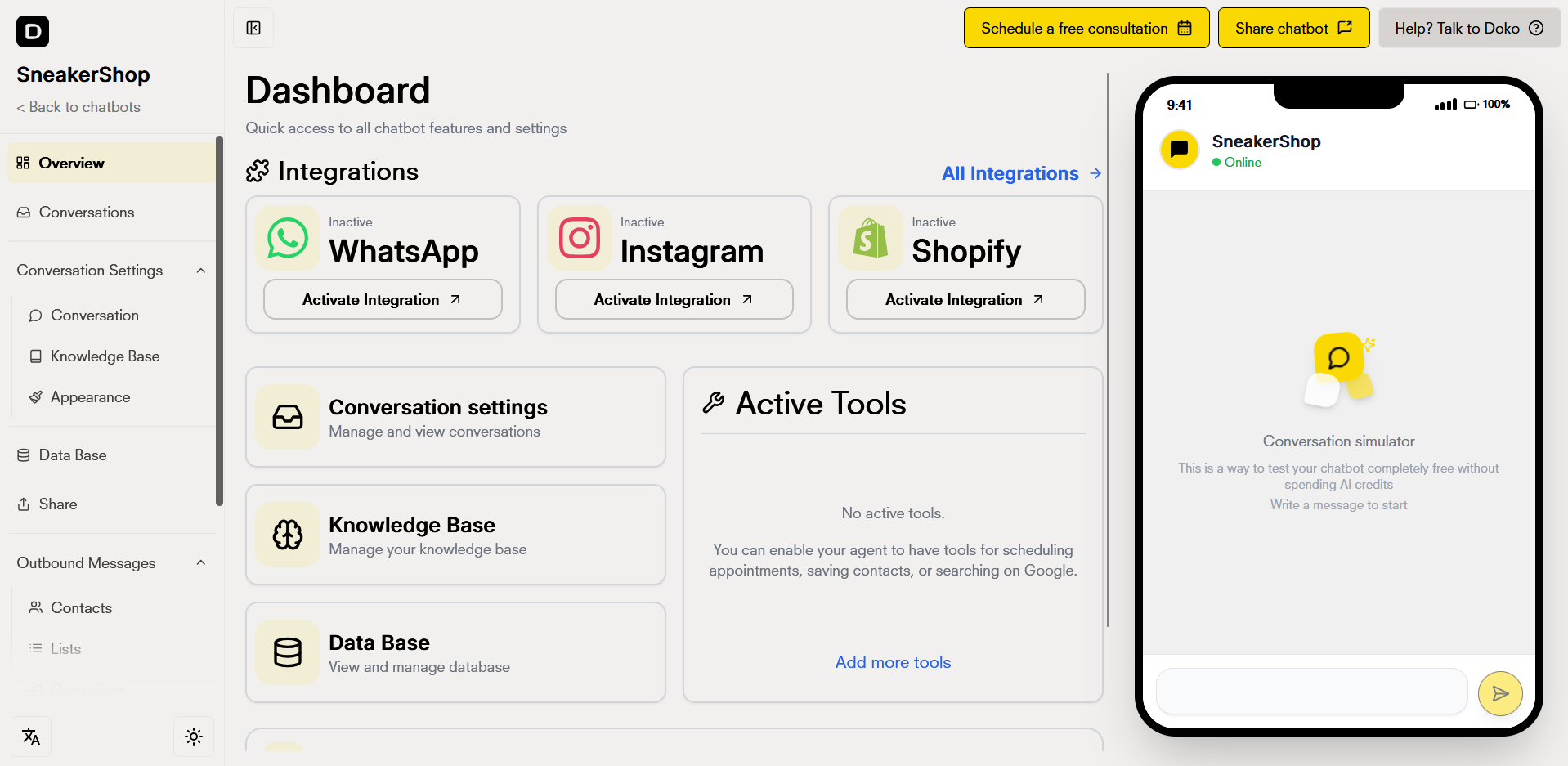
## Access your dashboard

Access your chatbot dashboard and edit your chatbot parameters.
<Frame>
  <img src="https://mintcdn.com/doko/s8RcezwU1knfCCuJ/images/quickstart/en/panel.png?fit=max&auto=format&n=s8RcezwU1knfCCuJ&q=85&s=4560ddbd2bfd77cadbef0a57118a5a98" alt="New Dashboard" width="1918" height="937" data-path="images/quickstart/en/panel.png" />
</Frame>
