> ## Documentation Index
> Fetch the complete documentation index at: https://docs.doko-ai.com/llms.txt
> Use this file to discover all available pages before exploring further.
# Controles
> En este apartado puedes ver todas las conversaciones que ha tenido tu chatbot, gestionarlas y hablar con tus usuarios
## Configuración de Notificaciones
Mantente informado de las interacciones de tu chatbot a través de múltiples canales:
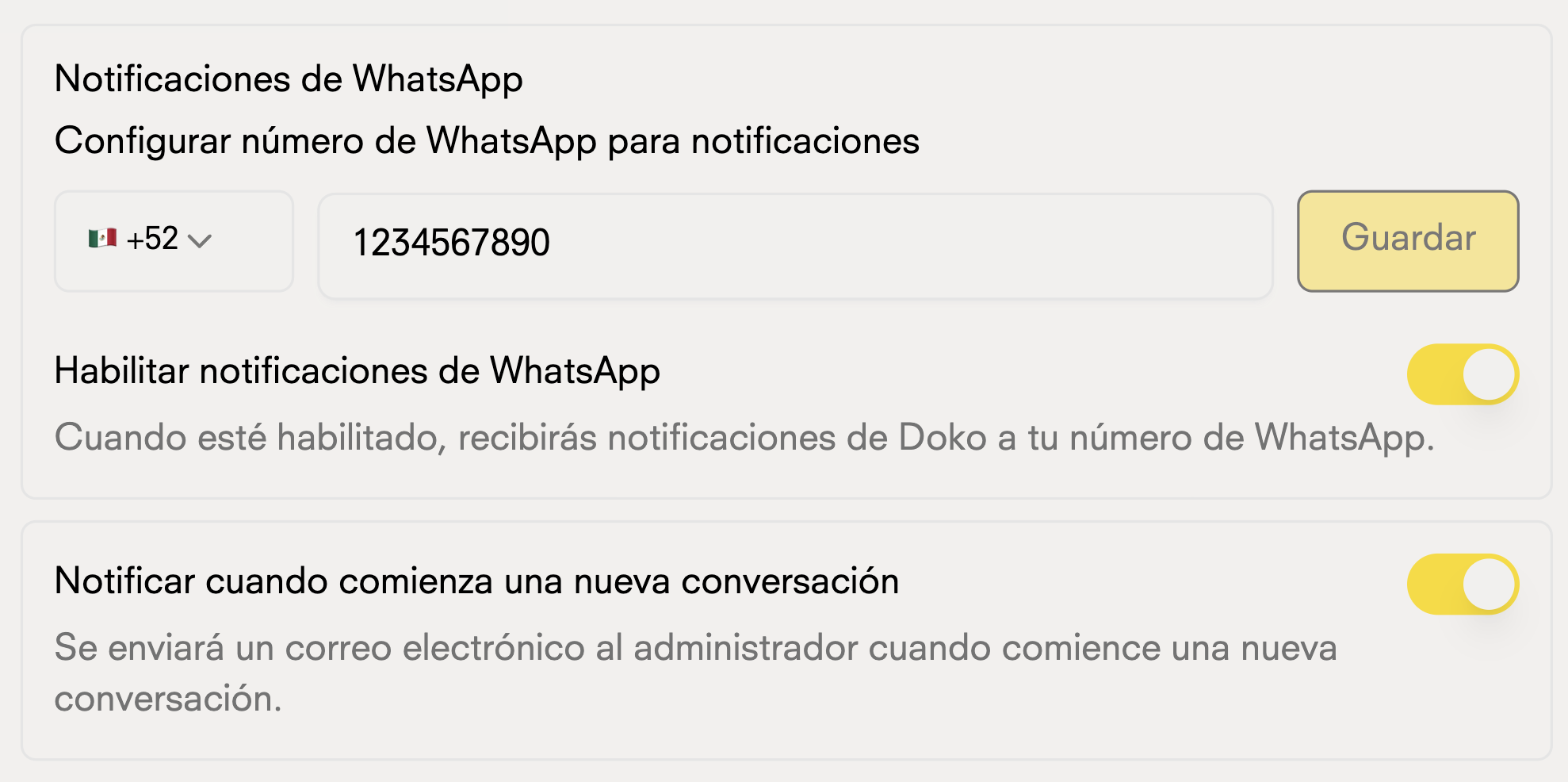
### Notificaciones por Email y WhatsApp
Personaliza tus alertas por correo electrónico y WhatsApp:
* Nuevas conversaciones
 ## Horarios de Disponibilidad
Gestiona cuando tu chatbot está activo y disponible para los usuarios:
## Horarios de Disponibilidad
Gestiona cuando tu chatbot está activo y disponible para los usuarios:
 ### Horario de Operación
Define los horarios específicos para que tu chatbot responda
### Horario de Operación
Define los horarios específicos para que tu chatbot responda
