

How to connect Shopify with your Doko account?
Follow the steps below to link your Shopify store with your chatbot. The process is quick and only requires authorizing access from your Shopify account. Location: Dashboard → Settings → Integrations → Shopify1
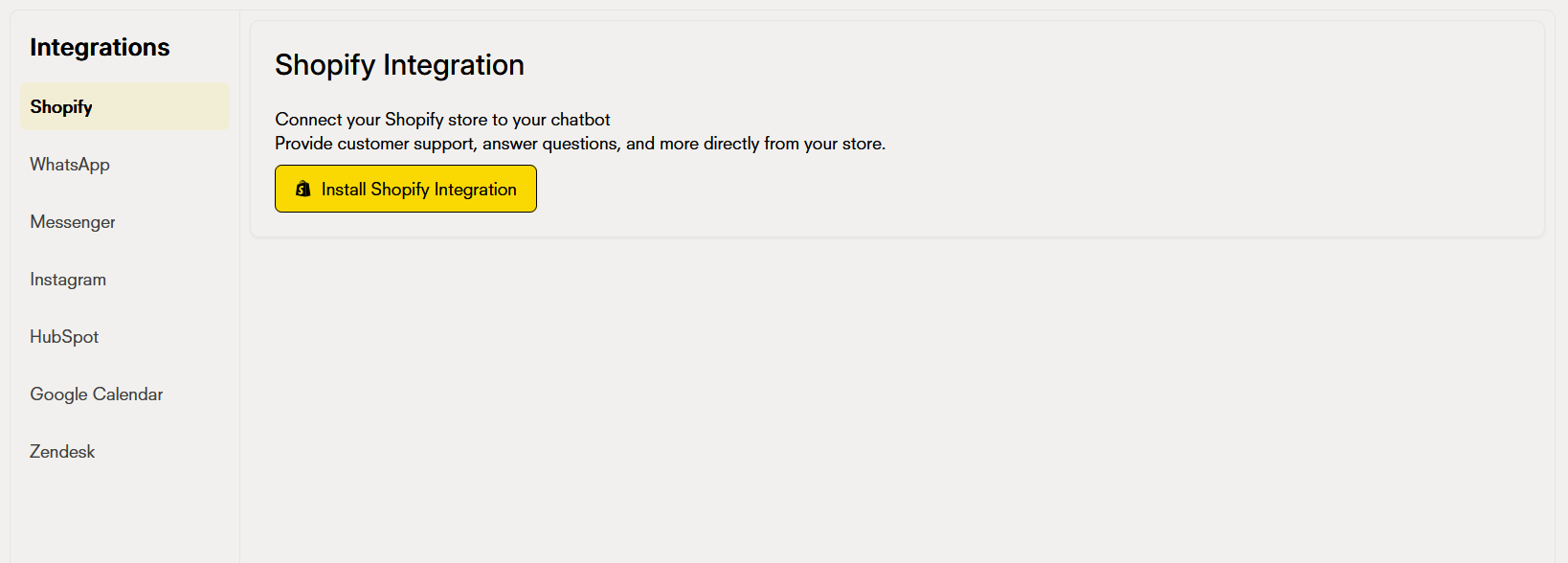
Connect your chatbot with Shopify
In the list of available integrations, look for the Shopify option and click the Connect button. This button will start the linking process between your Doko account and your Shopify store, redirecting to the Shopify authentication page.
2
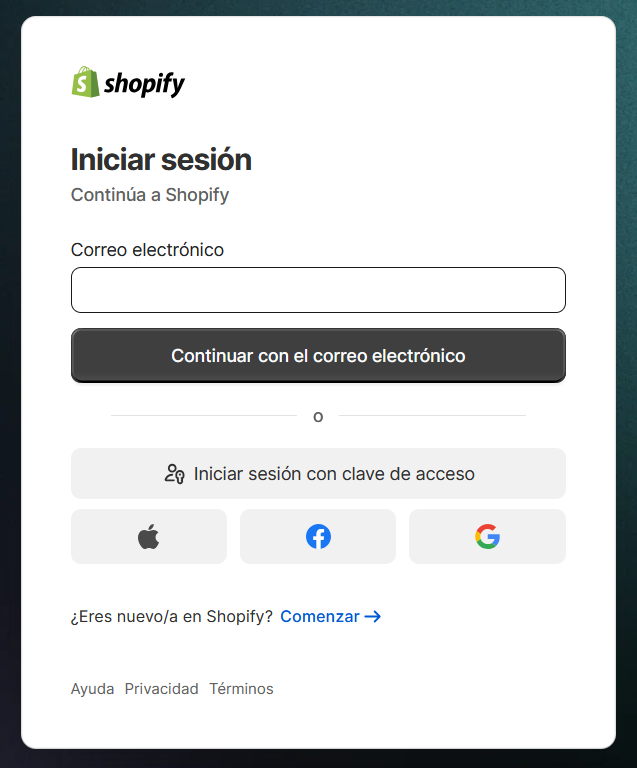
Sign in with Shopify
Register or sign in with your Shopify account to authorize Doko to access your store’s data.
3
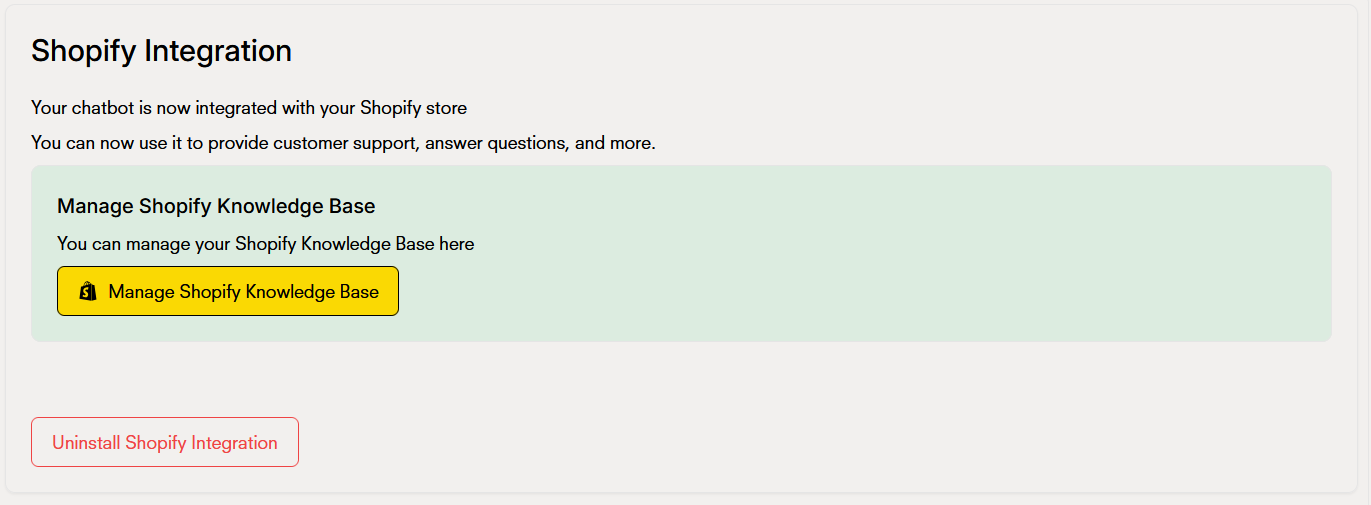
Integration ready
Once authorized, you will be redirected to Doko and see confirmation that the integration is complete and you can now start configuring it.
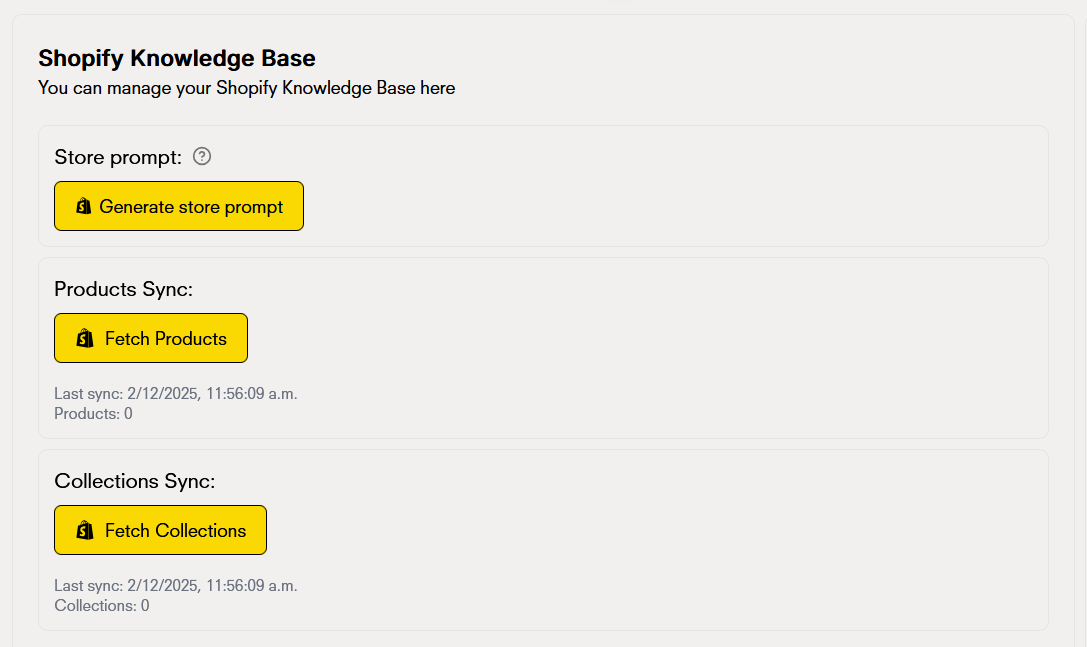
Manage Shopify knowledge base
-
Store prompt
-
Product synchronization
-
Search collections
Real difference between good and bad inventory
Bad inventory
- Incomplete products or with confusing information
- Mixed or poorly configured variants
- Incorrect stock (products that “exist”, but don’t exist)
- Disorganized navigation, difficult to explore
Good inventory
- Complete products: clear photos, accurate descriptions, correct prices
- Well-organized variants (sizes, colors, models)
- Updated stock and no out-of-stock items visible without reason
- Easy to find thanks to well-used collections and tags
How to add the chat bubble to your Shopify store
Follow this interactive tutorial to integrate your chatbot into your own Shopify store for a seamless user experience.How to uninstall the Shopify integration
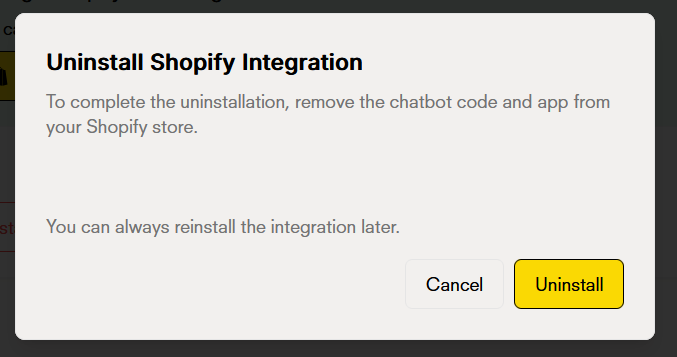
If you need to uninstall the Shopify integration, you can do it from two places:From Doko
- Go to Dashboard → Settings → Integrations
- Find the Shopify integration in the list
- Click the Disconnect or Uninstall button
- Confirm the action to complete the uninstallation
From Shopify
- Sign in to your Shopify admin panel
- Go to Settings → Apps and sales channels
- Find the Doko app in the list of installed apps
- Click Uninstall or Remove app
- Confirm the uninstallation
Next Steps
Shopify Agent Tools
Learn in depth how your chatbot works